A recent update to the Google Analytics developer documentation caused a brief wave of panic across the analytics community. A new banner appeared on the Measurement Protocol landing page stating the tool was entering "maintenance mode" with no future enhancements planned.
Industry chatter quickly spiraled into assumptions that the Measurement Protocol was dead. Analysts and developers questioned why Google would sunset a feature they spent years making usable for Google Analytics 4.
Fortunately, Google product managers clarified the situation and updated the documentation to reflect reality. The Measurement Protocol is not being deprecated. It is simply finished. Here is what this transition means for your technical setup and why Google is pointing developers toward the Data Manager API.
The Measurement Protocol is Finished, Not Dead
Following the initial confusion, Google revised the messaging on their documentation page to provide much-needed clarity:
"The Measurement Protocol has reached a mature, finalized product state and will remain operational with no plans for deprecation. However, to ensure your technical setups are future-proofed, we recommend building server-to-server event integrations using the Data Manager API, which is our central infrastructure for future data ingestion innovations."
In software development terms, a "mature, finalized product state" means the tool accomplishes exactly what it was designed to do. You can continue sending server-side events, offline conversions, and external data directly to GA4 using your existing Measurement Protocol scripts.
The API will not break and Google has no plans to shut it down. They are simply done adding new functionality to it.
Introduction to the Data Manager API
If the Measurement Protocol is no longer receiving updates, where is Google focusing its engineering efforts? The answer is the Data Manager API.
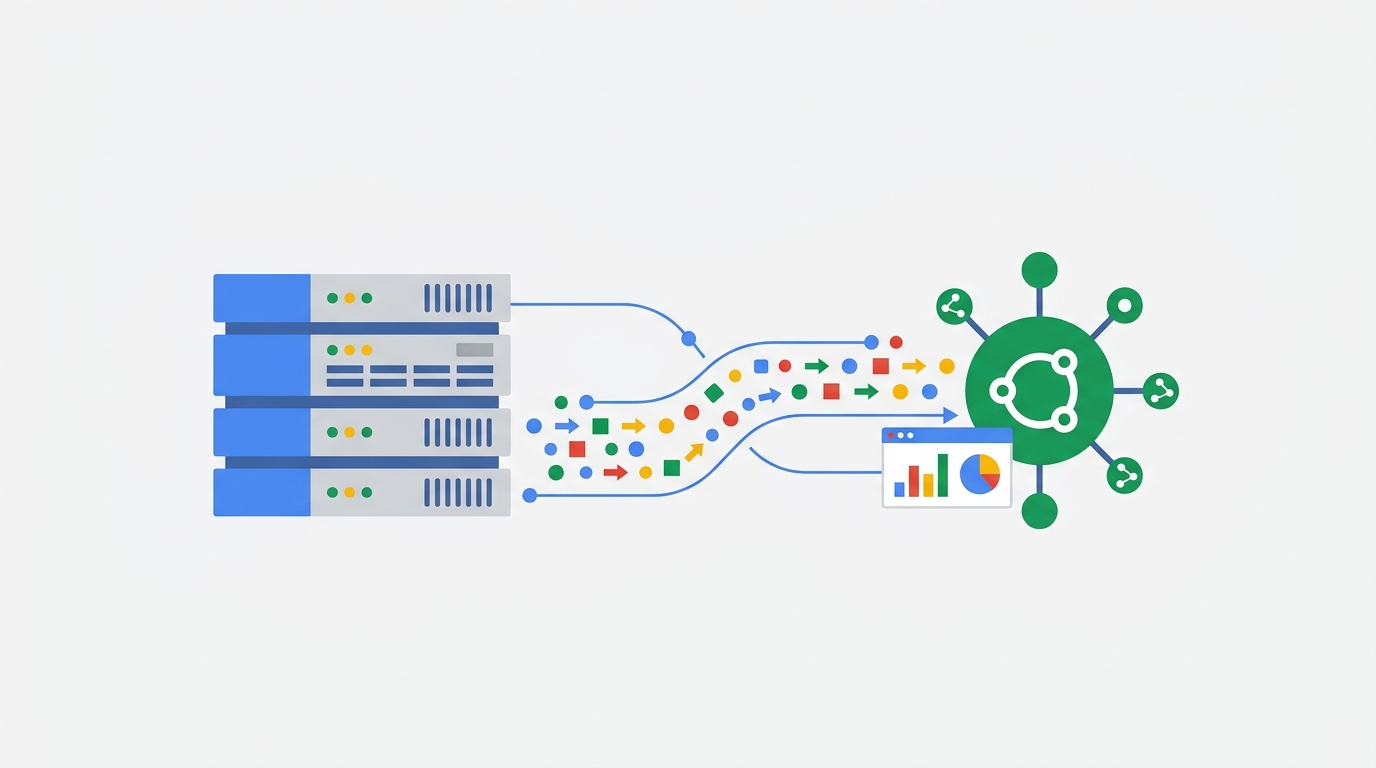
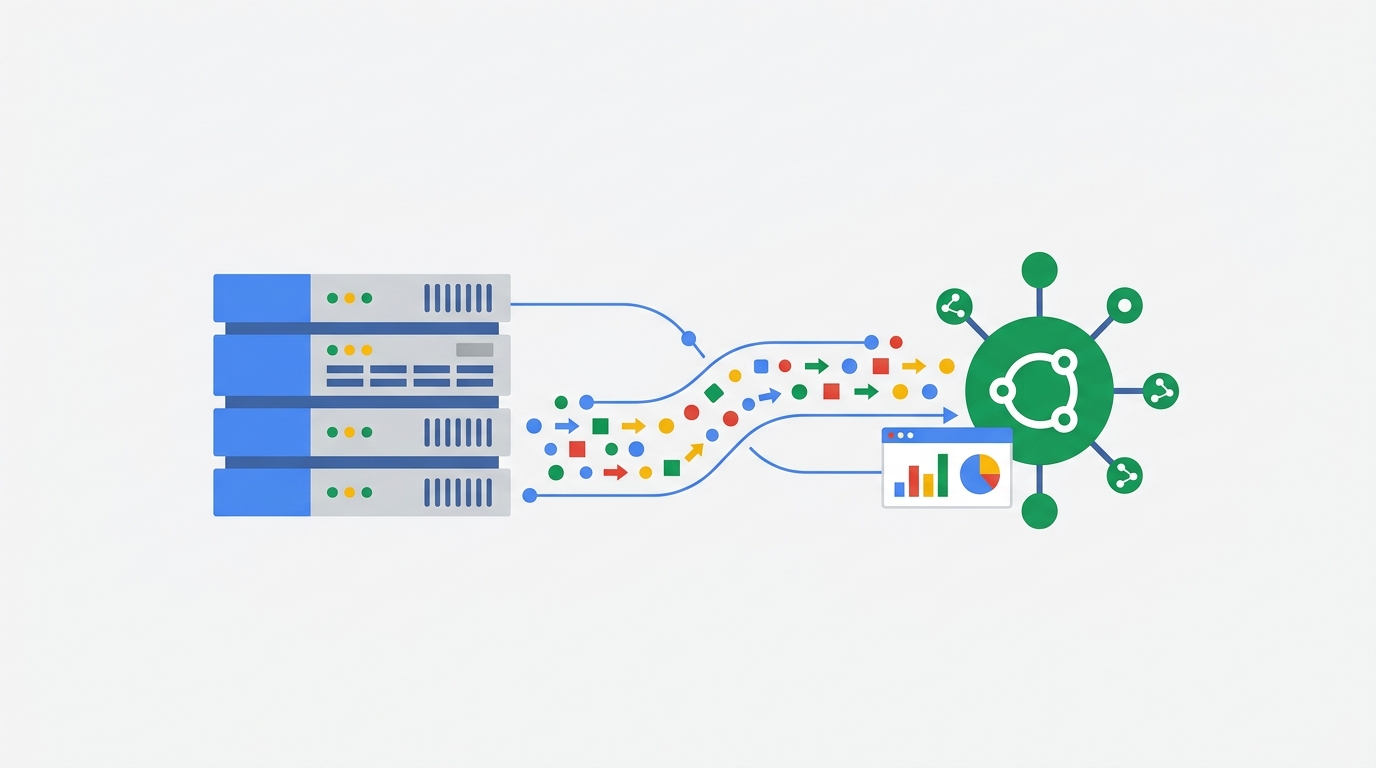
Google is positioning the Data Manager API as the central hub for future data ingestion. As GA4 evolves to handle more complex integrations, offline data syncing, and privacy-centric modeling, the architecture required to support those features has shifted. The Data Manager API is built from the ground up to handle these advanced server-to-server pipelines.
If you want access to new server-side tracking features as they are released, you will need to build around the Data Manager API.
The Client-Side Pixel Requirement Remains
A common frustration with the GA4 Measurement Protocol is that it cannot function entirely on its own. Some analysts hoped the move to the Data Manager API would finally remove the reliance on client-side tracking pixels.
That is not the case.
Even with the new Data Manager API, you still cannot generate your own completely independent session identifiers and write them directly to the database. Server-side hits still require a valid client_id (for web) or app_instance_id (for apps). You must extract these identifiers from the standard GA4 client-side deployment before you can successfully append offline or server-side data to a user's journey.
How This Impacts Your Analytics Workflow
For analytics practitioners and developers, this update requires a slight adjustment in long-term strategy rather than immediate emergency action.
What to Do With Existing Integrations
Leave them alone. If you have active scripts pushing refund data, CRM stage changes, or offline purchases into GA4 via the Measurement Protocol, they will continue to work perfectly. There is no technical or business requirement to rewrite that code today.
What to Do With New Projects
For all net-new server-to-server integrations moving forward, you should use the Data Manager API. Building on this modern infrastructure ensures your new pipelines are ready to accept whatever advanced data features Google rolls out next.
Testing and Validating Server-Side Data
Whether you stick with the Measurement Protocol or migrate to the Data Manager API, verifying server-side hits inside GA4 remains a tedious process. Because server events often process at different speeds than client-side hits, analyzing this data requires constant date-range toggling and heavy reliance on Explorations.
You can streamline this workflow by installing the GA4 Optimizer Chrome extension. It adds highly requested features directly to the GA4 interface. You can use the extension to easily copy and paste custom definitions between properties during your API testing phase, add annotations to your Explorations to mark exactly when a new server-side integration went live, and utilize sticky headers to keep track of your metrics while scrolling through complex event reports.
Frequently Asked Questions
Is the GA4 Measurement Protocol being deprecated?
No. Google has explicitly stated that the Measurement Protocol will remain operational with no plans for deprecation. It is simply considered a mature and finalized product, meaning it will not receive new features.
What is the GA4 Data Manager API?
The Data Manager API is Google's recommended infrastructure for future server-to-server integrations. It serves as the central hub for data ingestion innovations moving forward.
Do I still need a client-side pixel with the Data Manager API?
Yes. Similar to the Measurement Protocol, you still need the GA4 client-side tag to generate required fields like the client_id or app_instance_id before sending server-side hits.
Should I rewrite my existing Measurement Protocol integrations?
There is no immediate need to rewrite existing code. Your current Measurement Protocol setups will continue to function normally. However, you should consider using the Data Manager API for new implementations to future-proof your tracking.