Update (July 8, 2026): Google has officially clarified that the Source Group dimension is currently restricted to the Advertising workspace (specifically the Conversion performance report) and is not available in standard reports like Traffic acquisition. Furthermore, organic traffic will actively show as (unlabeled) in the related Source Platform dimension. The article below has been fully updated to reflect these undocumented changes and rollout bugs.
Google Analytics just rolled out a major update designed to fix one of the most frustrating aspects of standard reporting. Announced on June 11, GA4 now includes a new Source Group dimension built to consolidate messy, fragmented traffic sources automatically.
For years, analysts relied on complex regex and custom channel groupings to make sense of social media tracking. If you wanted to see your total Meta performance, you had to manually group a dozen different source variants. This update brings that capability natively to the platform, effectively replicating the cleaner social media grouping functionality that users missed from Universal Analytics.
However, the rollout has come with undocumented restrictions. Here is a full breakdown of how the Source Group dimension works, how it differs from the Source Platform field, and exactly where Google has hidden it in the interface.
What is the Source Group Dimension in GA4?
If you frequently analyze traffic acquisition, you know that third-party platforms pass incredibly messy referring data. A single social media platform can generate dozens of distinct source values depending on whether the user clicked from a mobile app, a mobile browser, or a desktop client.
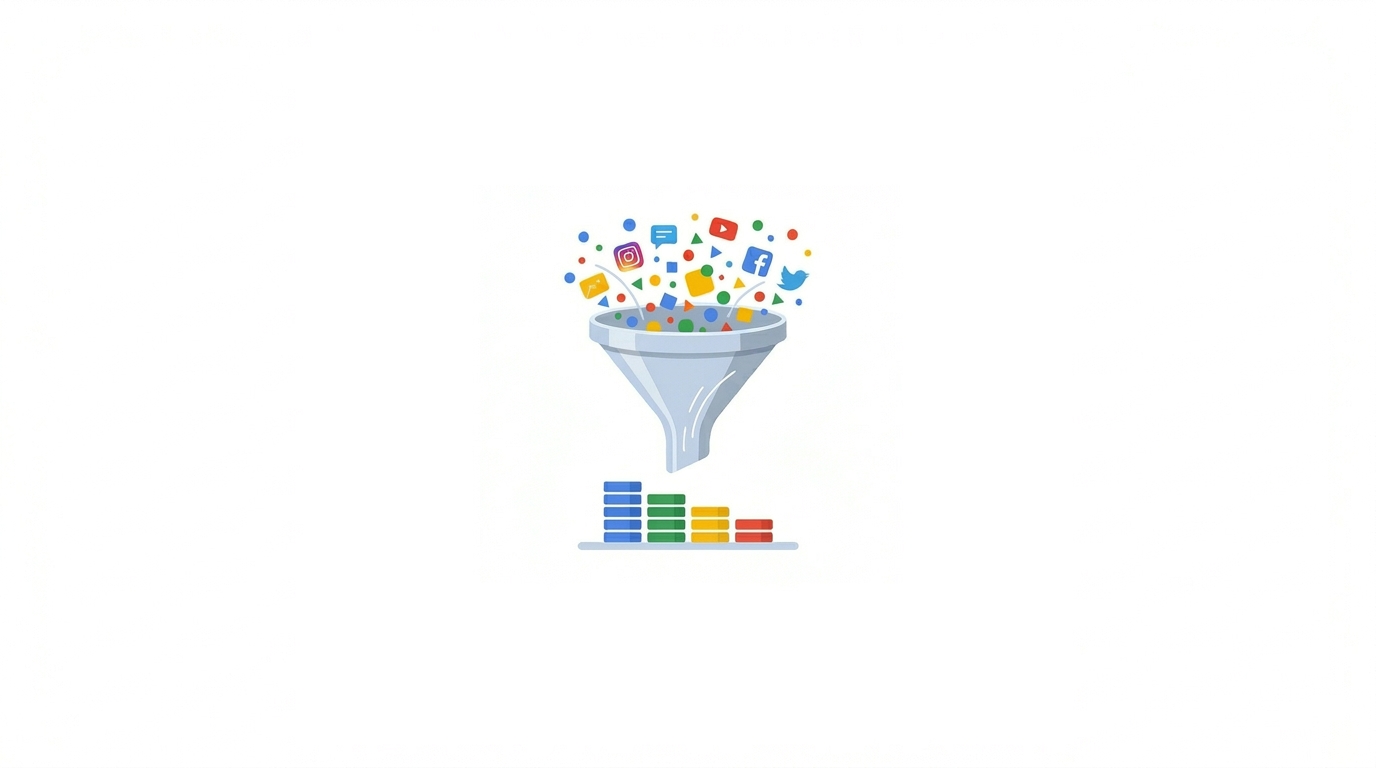
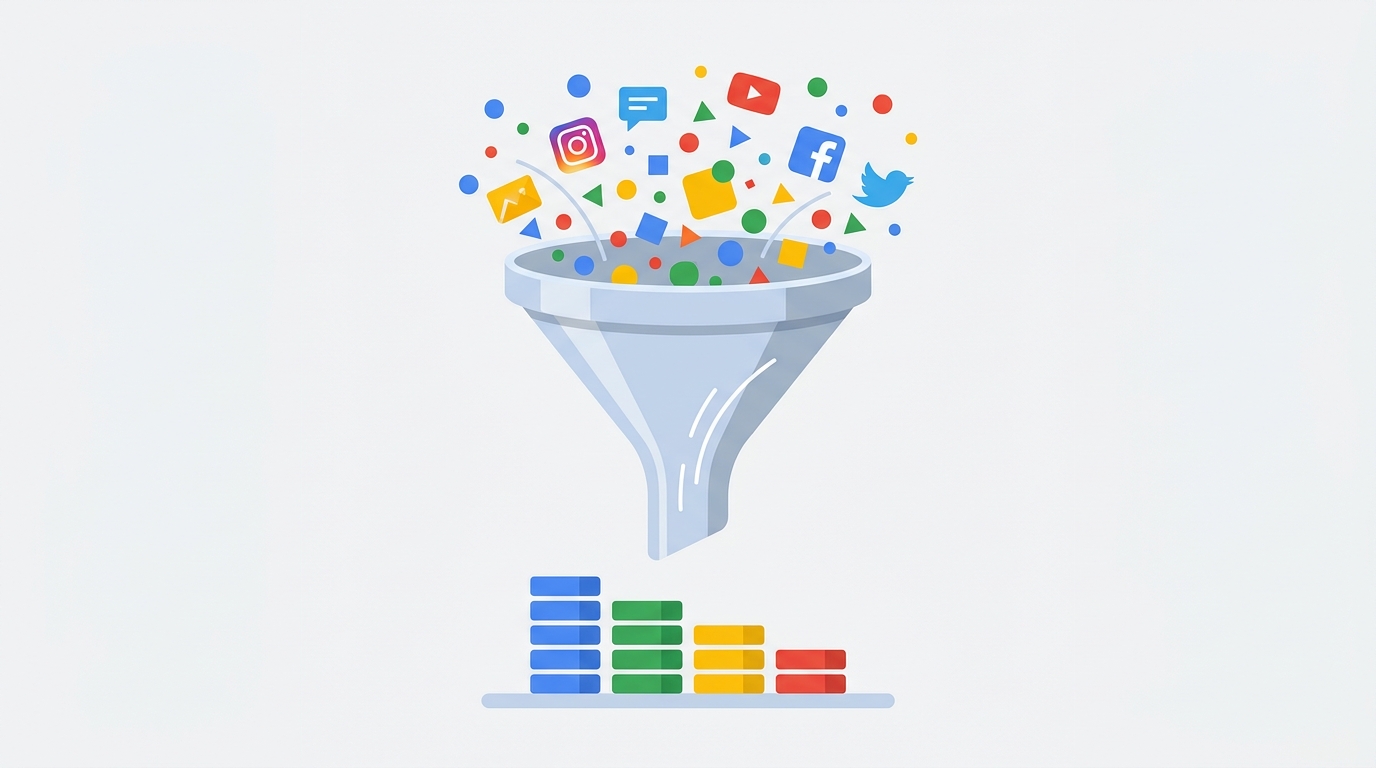
The new Source Group dimension acts as an automatic consolidation layer. It bundles these disparate source values into a single, standardized reporting dimension.
Fixing Fragmented Social Traffic
Before this update, accurately attributing conversions to Facebook required analysts to bundle sources like facebook, fb, m.facebook.com, l.facebook.com, and Meta-facebook. Moving forward, the Source Group dimension automatically cleans these up into a single, high-level category labeled Facebook.
This update brings the same level of reporting granularity to third-party platforms like TikTok, Pinterest, and Amazon that Google traditionally reserved for its own inventory like YouTube and Google Search.
Source Group vs. Source Platform
While Google updated both dimensions simultaneously, it is vital to understand that Source Group and Source Platform are two completely separate fields with different intended uses.
Source Group handles the broad consolidation of all traffic variants, merging both paid and organic clicks into one clean name. The Source Platform dimension, however, heavily prioritizes paid advertising networks.
On June 16, Google added a universal property annotation confirming this behavior. They stated that the Source Platform dimension was "consolidated to better reflect publishers" and that traffic will explicitly be marked as "(unlabeled)" if the data is organic. Furthermore, if you are importing data that is missing a "paid" medium, it will also fall into the unlabeled bucket.
To fix this for imported data, Google recommends updating your UTM parameters to explicitly include a paid medium. However, if you simply want to view your total consolidated traffic regardless of whether it was paid or organic, you must use the new Source Group field instead.
Future-Proofing for AI Traffic
Google is also building AI source recognition directly into this new field. The Source Group dimension automatically groups emerging generative AI traffic sources, explicitly listing ChatGPT (OpenAI) and Perplexity as supported platforms.
If you have been struggling to separate traditional referral traffic from AI engine clicks, this gives you another native layer of visibility into how AI tools drive users to your site.
Is the GA4 Source Group Update Retroactive?
When Google released the GA4 AI Assistant channel recently, the analytics community was disappointed to discover that the update was forward-facing only. Your historical AI traffic remained trapped under legacy channel definitions, breaking year-over-year reporting.
Analysts naturally assumed the Source Group rollout would suffer the exact same limitation. However, Google officially confirmed in their release notes that Source Group is populated retroactively.
As soon as this dimension appears in your account, you can apply it to your historical data. You can instantly run year-over-year or month-over-month comparisons on standardized social media traffic without needing to build a manual custom channel group to bridge the gap.
Where to Find the Source Group Dimension
If you log into your Google Analytics account today and cannot find the Source Group dimension in your standard reports or Explorations, you are not alone.
Despite the release notes implying general availability, recent clarifications from the Google Analytics product team confirm that Source Group is not available in standard reports (like Traffic acquisition) in the short term.
Currently, Google has restricted this dimension exclusively to the Advertising workspace.
Checking the Advertising Workspace
To find the dimension:
- Navigate to the Advertising section in the left-hand GA4 menu.
- Under the Conversions (Beta) dropdown, click on the Conversion performance report.
- Click the primary dimension dropdown to select Source Group.
Note: The rollout for this feature has been heavily delayed and inconsistent. While many analysts can successfully access the dimension here, others report that it periodically disappears from the dropdown. Additionally, enterprise users linking GA4 to Campaign Manager 360 (CM360) are currently experiencing classification bugs with the new dimension. If you navigate to this report and still do not see it, you simply have to wait for Google to patch and complete the deployment.
Enhancing Your Reporting Workflow
Once the Source Group dimension finally goes live universally in your account, you will likely want to test it against your existing custom channel groups to verify accuracy. Digging through standard reports to validate long lists of social traffic sources is tedious due to the rigid native interface.
If you want a more efficient workspace, install the free GA4 Optimizer Chrome Extension. It is designed to fix the daily reporting frustrations of the GA4 interface.
With the extension active, you can utilize sticky headers to keep your metrics visible as you scroll through long, consolidated lists of traffic sources. If you need to quickly check how a specific traffic source behaves, you can instantly generate a Quick Calculated Metric on the fly directly in your standard reports to view conversion rates without leaving the page.
Frequently Asked Questions
What is the GA4 Source Group dimension?
The Source Group dimension in Google Analytics 4 automatically consolidates fragmented traffic sources into clean, high-level categories. It bundles variations like 'facebook', 'fb', and 'Meta-facebook' into a single standardized 'Facebook' reporting value.
Is the GA4 Source Group update retroactive?
Yes. Google confirmed that the Source Group dimension populates retroactively. You can apply it to your historical data immediately once the feature rolls out to your property, allowing for accurate year-over-year comparisons.
Why can I not see the Source Group dimension in my GA4 account?
Recent clarifications from Google indicate the Source Group dimension is currently restricted to the Advertising workspace, specifically within the beta Conversion performance report. It is not currently available in standard reporting like Traffic acquisition or Explorations, and some users report it occasionally disappearing due to an inconsistent rollout.