Update August 4, 2026: Shopify just announced a second major update to the Google & YouTube app. Following the July server-to-server purchase integration, an August 17 update will finally add missing middle-of-funnel e-commerce events. We have updated this guide to cover both phases of the 2026 rollout and what is still missing.
Google and Shopify are actively rolling out major enhancements for e-commerce measurement. Historically, accurately tracking Shopify data in GA4 required complex workarounds or a dedicated Server-Side Google Tag Manager architecture. The native "Google & YouTube" app was notoriously basic.
Through a two-part update in the summer of 2026, Google is closing the measurement gap. First, they introduced a native server-to-server integration to protect purchase data. Now, they are expanding the app to track the rest of the shopping funnel.
For performance marketers and e-commerce analysts, this is a significant upgrade to data integrity. Here is exactly what these integrations change, the metrics that are still broken, and how to validate your setup.
Phase 1: The Server-to-Server Purchase Connection (July 2026)
To understand why the July update matters, you have to understand the flaw in standard tracking. When a customer buys a product on Shopify, standard GA4 tracking relies on the customer's browser to fire a javascript tag on the "Thank You" page.
This client-side method is highly vulnerable. You will inevitably lose conversion data if any of the following occur:
- The customer uses a strict privacy browser (like Brave or Safari with aggressive ITP).
- The customer runs an ad blocker that prevents tracking scripts from loading.
- The customer closes the browser tab immediately after clicking "Submit Order," killing the session before the tag executes.
Industry averages suggest that client-side tracking misses 10 to 20 percent of actual Shopify revenue. This missing data actively ruins conversion rate optimization, as you cannot reliably call an A/B test winner if checkout events misfire.
How the Server Connection Works
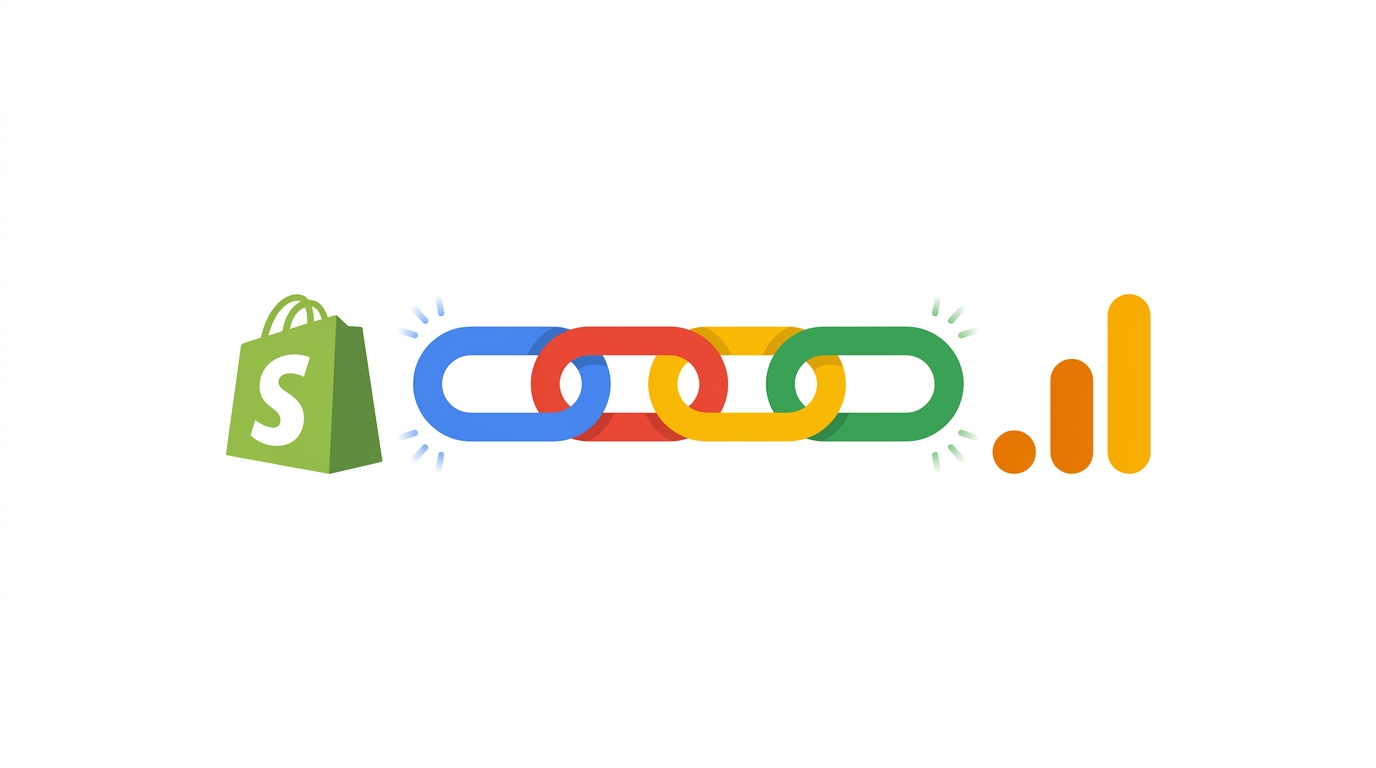
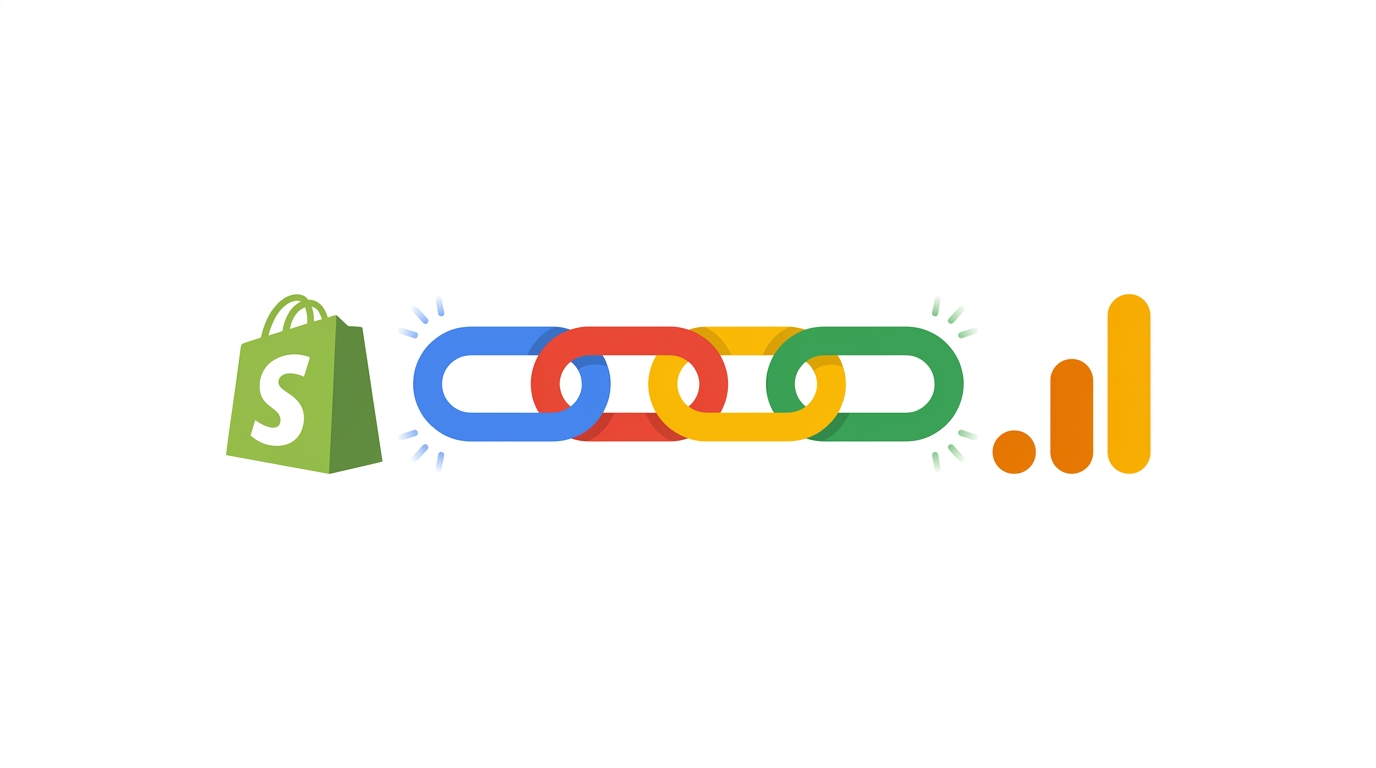
The July integration bypasses the user's browser for the final transaction. When an order is successfully processed in Shopify's database, Shopify securely sends the purchase event directly to GA4 via Google's Data Manager API.
- Automatic Deduplication: You do not need to worry about the browser and the server sending the exact same purchase twice. GA4's integration ensures automatic deduplication of events arriving from both sources by matching the transaction IDs.
- Purchases Only: The server-to-server connection strictly handles the final checkout event. All upper-funnel events still rely on the user's browser.
Phase 2: The Funnel Event Expansion (August 2026)
While the July update secured revenue tracking, the native app still left massive blind spots in the middle of the shopping funnel. On August 17, 2026, Shopify is updating the app to capture these missing browser-based interactions.
The update adds automatic tracking for four e-commerce events:
view_item_list(Fires when a user views a collection)remove_from_cart(Fires when items are deleted from the cart)view_cart(Fires when a user visits the cart page)add_shipping_info(Fires when address details are provided at checkout)
For store owners who do not know how to code, this is a massive win. You can finally build standard checkout funnel reports out of the box without hiring an agency.
The Missing Metric: Why select_item is Still Broken
While the August update fills in most of the gaps, it completely ignores one of the most important e-commerce events: select_item.
The select_item event triggers when a user clicks a specific product from a category list. Without it, you cannot natively calculate your product list Click-Through Rates (CTR). You will know how many times a collection was viewed, but you will not know which specific products drove the actual clicks.
Why did Shopify skip this? It comes down to a technical limitation. There is no standard event in the Shopify API that maps cleanly to a product click across all custom themes. Because themes handle Document Object Model (DOM) clicks differently, Shopify cannot guarantee an automated select_item tag will work reliably.
If measuring list CTR is vital to your merchandising strategy, you cannot rely on the native app. You must use a custom Google Tag Manager setup to manually scrape those clicks.
Preparing Your GA4 Property for the Updates
While automated updates are convenient, analytics professionals must verify that this data is actually flowing correctly.
Validating Your Frontend Theme
Never trust a native integration blindly. While Shopify controls the backend server events, the new August events (view_cart, add_shipping_info) rely on your frontend code. If your store uses a heavily customized theme, headless architecture, or third-party checkout apps, these automated browser events will likely break.
Do not wait for your reports to populate to find out your theme broke the new events. Install the free GA4 Live Debugger Chrome extension. Run through a test checkout on your live site. The extension automatically monitors the dataLayer and network requests leaving your browser, ensuring your custom theme is actually passing the right e-commerce schema to GA4.
Anomalies in Year-Over-Year Reporting
Because server-to-server tracking recovers previously lost purchases, you will see an artificial increase in your GA4 conversion volume starting from July 2026 onward. When you run a year-over-year report comparing late 2026 to 2025, your growth metrics will look inflated because your baseline has changed. You must communicate this to stakeholders so they do not mistake a technical measurement improvement for a massive spike in sales velocity.
Analyzing Your Upgraded E-Commerce Data
Once the integration provides you with accurate revenue and funnel data, you need to analyze it. Unfortunately, GA4's native interface remains rigid when it comes to custom calculations.
To make sense of your new baseline data, install the free GA4 Optimizer Chrome Extension. It adds helpful workflow features directly into the GA4 interface.
- Calculate Cart Abandonment Instantly: Native standard reports do not show granular step-to-step conversion rates. Now that Shopify is sending
view_cartandadd_shipping_info, use the extension's Quick Calculated Metric feature. You can create a custom column dividing your shipping info events by your cart views directly in your report without touching the GA4 Admin settings. - Analyze Year-Over-Year Shifts: Use the 1-click Date Range Presets to instantly run day-of-week aligned comparisons. The extension's Percentage Change Highlighter will color-code your table, helping you quickly identify exactly where your recovered server data is impacting your reports.
Frequently Asked Questions
What is the GA4 and Shopify server-to-server integration?
In July 2026, Google Analytics enabled a direct server-to-server connection for Shopify stores using the Google & YouTube app. This allows Shopify's backend servers to send the final purchase event directly to the GA4 API, bypassing ad blockers in the user's browser.
Does the Shopify Google & YouTube app track all e-commerce events?
As of August 2026, the native app tracks purchases via the server, and uses browser tracking for view_item, add_to_cart, view_item_list, remove_from_cart, view_cart, and add_shipping_info. However, it still does not natively support the select_item event due to limitations in the Shopify API.
Why is the select_item event missing from Shopify GA4 tracking?
The select_item event, which measures when a user clicks a product from a list, is missing because there is no standard event in the Shopify API that maps to it cleanly across all custom themes. To track list Click-Through Rates (CTR), you must use a custom Google Tag Manager setup.
Will the Shopify server-side update cause duplicate purchases in GA4?
No, Google automatically handles deduplication. The system matches the transaction IDs sent from both the browser and the Shopify server, ensuring an order is only counted once. However, if you have a legacy, hardcoded GTM tag firing outside of the Shopify app, you may still experience duplicates.