Update July 2026: Google recently overhauled the backend of Ask Advisor using their advanced Gemini 3 AI models. We have completely rewritten our original review to test these new capabilities. As you will see below, the AI is no longer a simple text-to-SQL gimmick.
If you spend your days in Google Analytics 4, you have likely noticed the Ask Advisor button  in the top right corner of your property.
When Google first introduced this AI chatbot nine months ago, it was widely dismissed by analysts. Early versions acted as a basic query tool that could fetch top-level metrics but completely failed at deep segmentation or diagnostic logic.
Google recently upgraded the backend of Ask Advisor with their advanced Gemini 3 models, labeling the feature an "agentic data analyst". We wanted to see if the AI is finally capable of doing actual analytical heavy lifting. Because AI requires massive amounts of data to provide accurate insights, we ran an exhaustive stress test using the high-volume Google Merchandise Store demo property.
Here is our definitive review of the updated Ask Advisor, including what it gets right, the new features, and the massive security risk Google is ignoring.
Watch the quick oerview of the new Ask Advisor capabilities in action:
What is New in the Gemini 3 Update?
The transition to Gemini 3 brings a suite of new capabilities that move Ask Advisor from a simple chat box to an active monitoring tool. According to Google's latest product announcements, the integration now includes:
- Proactive Insights: The advisor now generates AI Overviews directly in the product and pushes critical performance updates to your inbox via email and notifications.
- Peer Benchmarking: You can ask the AI to assess how your campaigns are performing relative to your industry peers.
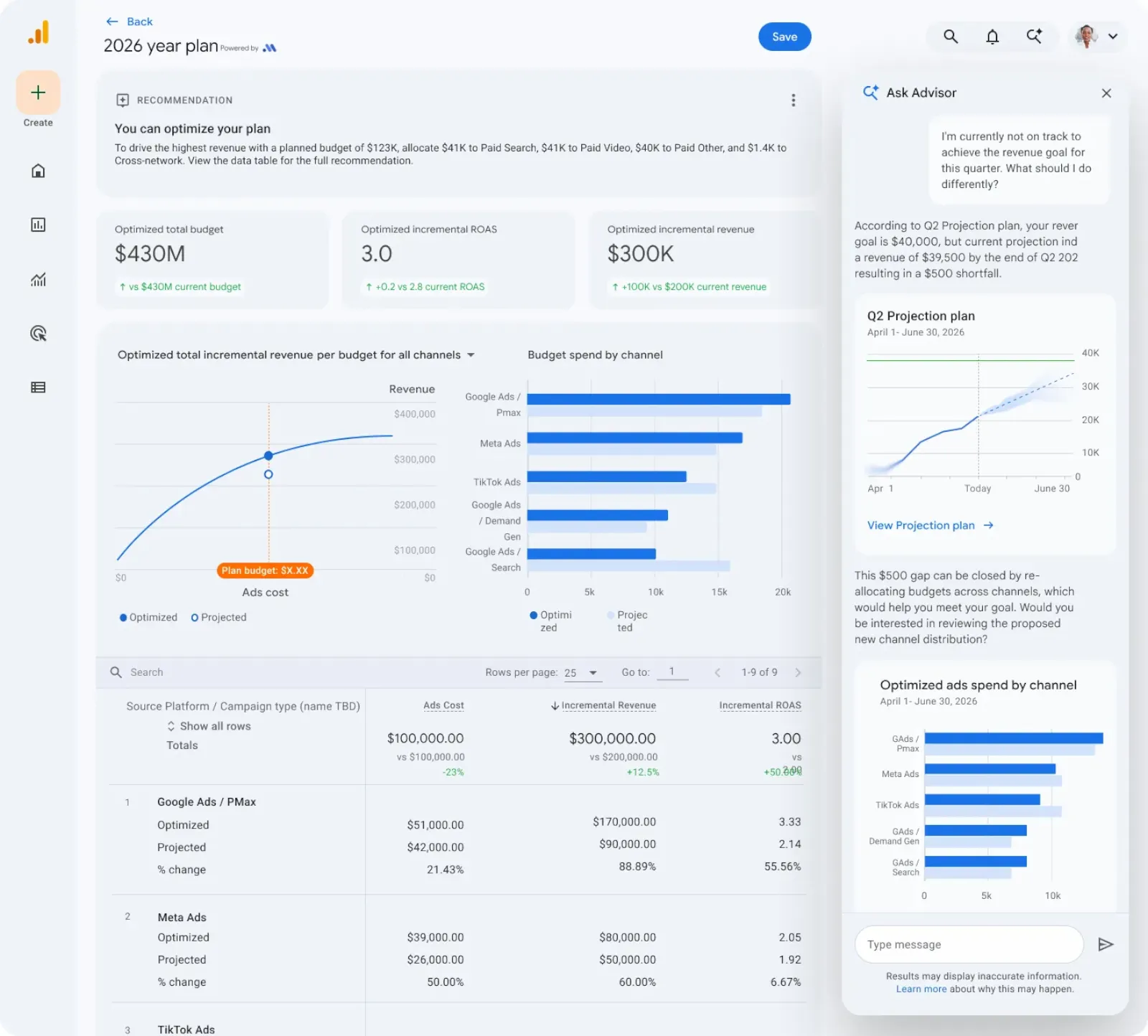
- Automated Dashboards: Instead of returning a single number, Ask Advisor now turns complex questions into full dashboards with multiple visual charts.
- Interactive Analysis: The interface supports point-and-click functionality. You can click on specific anomalies within the generated charts to ask direct follow-up questions.
A Massive Win for Lean Marketing Teams
For small businesses and lean marketing teams, this Gemini 3 update is highly valuable.
Many small teams run scrappy. They do not have dedicated data analysts on staff, and the marketers managing the campaigns are often overworked. Digging through the rigid GA4 interface to build custom Explorations takes time that these teams simply do not have.
Ask Advisor acts as a highly capable junior analyst. A media buyer can simply type, "Why is revenue from paid search higher this month?" and receive a generated dashboard highlighting the specific ad groups and geographic regions driving the increase. Overworked marketers can now point to this tool to get fast answers without waiting days for an agency report.
Putting the Gemini 3 Update to the Test
Setting the enterprise risks aside, we wanted to test the actual analytical capability of the new model. We ran five highly specific prompts designed to break early AI systems.
Test 1: The "Exit Rate" Trap
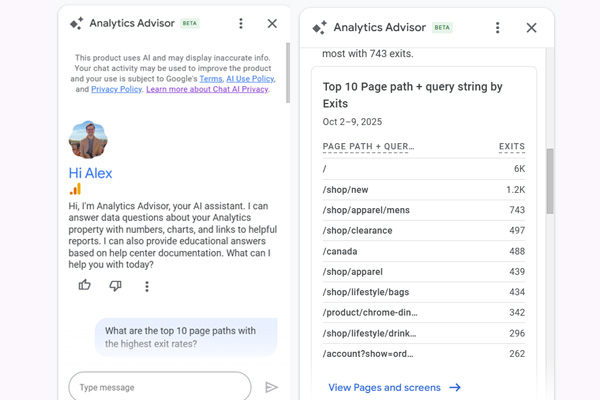
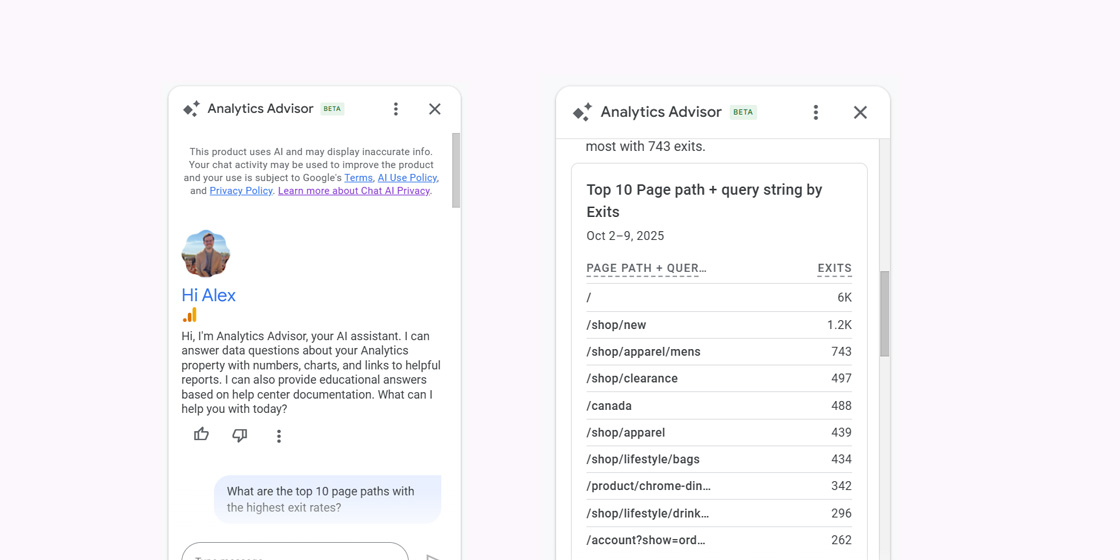
Google Analytics 4 famously removed "Exit Rate" from standard reporting, offering only raw "Exits". Previous versions of the AI failed this prompt by confusing the two metrics.
Our Prompt: "What are the top 10 pages with the highest Exit Rate over the last 30 days?"
The Result: The AI nailed it. It explicitly stated that it calculated the Exit Rate by dividing the number of exits by the number of views for each page. It generated a clean table showing that the page /test-tracker/ had a 99.69% exit rate.
Furthermore, the AI provided unprompted analysis, suggesting that the latency URL was likely a technical tracking page rather than standard content.
Our Verdict: Excellent. However, if you want Exit Rate available permanently in your standard reports without typing a prompt every day, use the Quick Calculated Metric feature in the free GA4 Optimizer extension. It adds the calculation directly to your data tables.
Test 2: Advanced Segmentation (The "Why")
Any basic tool can tell you how many checkouts occurred. A real analyst cross-references segments to find out why checkouts failed.
Our Prompt: "Compare the checkout drop-off rate between Mobile users and Desktop users who arrived via Paid Search."
The Result: The AI successfully layered three different variables: device category, session channel, and funnel drop-off. It found that mobile paid search users had an 89.29% drop-off rate, compared to desktop users at 73.21%. It then explicitly called out the 16.08% gap and suggested optimizing the mobile checkout experience for paid traffic.
Our Verdict: Highly impressive. It processed a complex, multi-layered segment request perfectly and delivered an actionable business insight in seconds.
Test 3: The Hallucination Check
AI models are notorious for hallucinating when asked about system states. We wanted to see if Ask Advisor could read the actual data quality status of the property.
Our Prompt: "Is my data in the Traffic Acquisition report currently being affected by data thresholding or sampling?"
The Result: Ask Advisor accurately diagnosed the exact state of the report. It confirmed the data was 100% Unsampled. It also noted that Data Thresholding was "Low Risk" due to high traffic volumes. It then proactively analyzed our channel list and pointed out that our 1,500 "Unassigned" users were likely caused by missing UTM parameters, not by data thresholding.
Our Verdict: A massive win for data trust. Accurately diagnosing the difference between thresholded rows and broken UTMs proves the AI understands the underlying architecture of GA4.
Test 4: Tracking Diagnostics and "(not set)"
For our fourth test, we asked the AI to act as a technical tracking debugger.
Our Prompt: "Show me the conversion revenue for the 'Summer Sale' campaign, and tell me if any conversions are missing the transaction_id parameter."
The Result: Ask Advisor audited the transaction IDs and found a massive error: 89,356 conversions were listed as (not set).
Instead of just reporting the error, the AI diagnosed the root cause. It stated that a high count of (not set) transaction IDs typically happens when non-ecommerce events (like page_view or session_start) are incorrectly marked as Key Events in the Admin panel.
Our Verdict: This is senior-analyst-level diagnostics. Spotting the error is good, but accurately diagnosing the misconfigured Key Event setting saves hours of manual troubleshooting.
Test 5: The Audience Profile Snapshot
Finally, we wanted to see if the AI could help marketers understand their predictive audiences better.
Our Prompt: "We see an audience name called 'Likely 7-day purchasers'. What are the most common traits among this audience?"
The Result: Ask Advisor provided a highly structured, human-readable summary. Instead of just dumping a raw table, it synthesized the traits into three categories: Geographic Profile (US, Desktop), Acquisition (Direct, Organic, CPC), and Key Interests (New Arrivals, Men's Apparel, Clearance). It then backed up its summary with two clean data tables showing the exact session counts.
Our Verdict: Fantastic for rapid profiling. Media buyers can use this executive summary to instantly understand who their predictive audiences are and adjust ad copy accordingly without digging through multiple audience builder screens.
The UI Flaw: The Context Window Trap
Despite the impressive backend logic, the chat interface itself contains a glaring flaw.
Currently, Ask Advisor lacks a "New Chat" or "Clear History" button. If you want to change topics, you have to completely reload the GA4 web page to reset the chat.
This is a major problem for deep analysis. AI models have a limited "context window". If you throw five or six complex questions at the assistant in a single session, the context window fills up with previous data tables and parameters. The AI will eventually start confusing your new questions with your old prompts. Until Google adds a simple reset button, you must manually refresh your browser between major diagnostic sessions.
The Enterprise Nightmare: No Admin Kill Switch
While small teams celebrate the speed of Ask Advisor, enterprise organizations are facing a severe security liability.
Google's disclaimer explicitly states that chat activity may be used to improve the product. This means any data typed into the prompt window could be used to train Google's machine learning models.
Recently, HubSpot faced a massive customer backlash after trying to opt all users into an AI data enrichment plan by default. The outcry forced HubSpot to reverse course immediately. Google appears completely immune to this kind of pressure.
Despite nine months of heavy feedback and complaints from enterprise users, Google has refused to provide a simple "off" switch for GA4 property administrators. Admins have absolutely zero control over this feature. They cannot prevent their employees or external agency partners from typing proprietary revenue figures, internal campaign names, or sensitive drop-off rates directly into the Google-owned AI. There is also no audit log to track which users are feeding data into the chatbot.
Whether this lack of administrative control is a functional oversight or a structural choice to drive user adoption, the result is the same: the burden of compliance falls entirely on the individual user. The terms and conditions are presented upfront, meaning it is ultimately up to the employee or agency partner to decide what data is safe to share, bypassing corporate IT guardrails completely.
Final Verdict on Ask Advisor
For Marketers: Ask Advisor is a massive workflow upgrade. You no longer have to wait days for an analytics team to pull basic audience profiles or check funnel drop-offs. It puts rapid, cross-segment analysis directly into your hands, allowing you to answer urgent performance questions in seconds.
For Analysts: Your job is safe. Think of Ask Advisor as a highly capable junior analyst. It can spot an 89,000-count (not set) error in seconds, but it cannot fix your Google Tag Manager setup. It lacks broader business context and suffers from UI constraints like the depleting context window.
The Gemini 3 upgrade transformed Ask Advisor into a genuinely useful diagnostic and calculation assistant. However, its lack of an administrative kill switch makes it a compliance risk for enterprise teams. Furthermore, discovering 89,000 broken transactions via a chat prompt means you have already lost 30 days of accurate revenue attribution. To prevent tracking errors from reaching GA4 in the first place, you must validate your data before publishing. Install our free GA4 Live Debugger extension to monitor your website's dataLayer in real time and catch missing ecommerce parameters while you test.
While Ask Advisor is powerful, its clunky interface means it will not replace your standard reporting workflows anytime soon. You still need reliable, fast interface tools. By combining Ask Advisor for deep historical queries with the GA4 Optimizer extension for daily UI enhancements like Advanced Table Filters and 1-click Date Presets, you can finally make the Google Analytics interface work for you.
Frequently Asked Questions
What is Google Analytics Ask Advisor and how does it work?
Google Analytics Ask Advisor is an AI chatbot integrated directly into GA4. Powered by Google's Gemini 3 models, it acts as an agentic data analyst. It can calculate custom metrics, generate full dashboards, perform cross-segmentation analysis, and diagnose data quality issues directly from a text prompt.
Can Google's Ask Advisor AI replace a human analyst?
Ask Advisor will not replace senior analysts, but it serves as a highly capable junior analyst for lean marketing teams. It excels at fetching complex data pulls and diagnosing tracking errors, but it lacks broader business context and suffers from UI limitations like a depleting context window.
Is Google Analytics Ask Advisor safe for enterprise use?
Currently, no. Google explicitly states that chat activity may be used to improve the product. Furthermore, Google provides no administrative setting to disable the feature. This means property admins cannot prevent their users from feeding proprietary revenue and campaign data into the AI model, creating a massive security liability.